Dead Ready Productions

+44 (0)208 339 6139
hello@deadready.co.uk

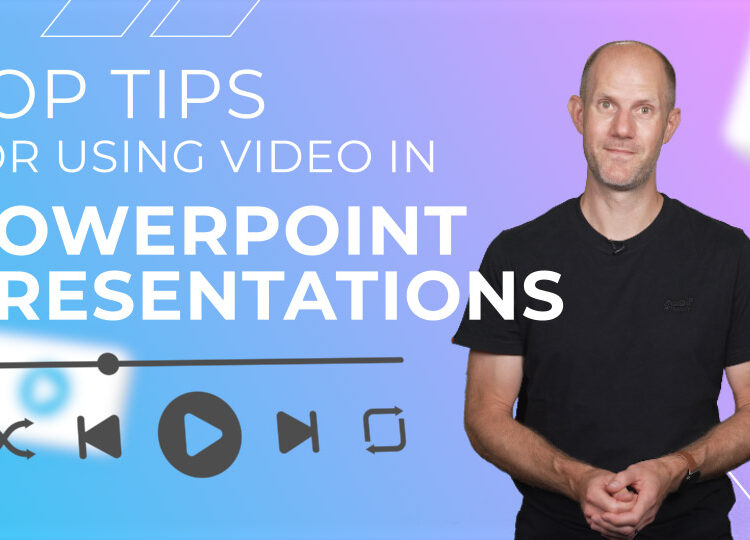
Top tips for Using Video in PowerPoint Presentations

Not all the videos we create go on social or the web – many are presented live, wi  of PowerPoint presentations.

So if you’ve spent time perfecting your deck, practicing your delivery, maybe even planned your wardrobe for the event – how do you make sure your video takes it to the next level?

Here’s a few tips for working with videos within slide decks:

  1. Keep it brief

Keep your video punchy – it should support your presentation, not deliver it for you. Use video to set the mood, build energy, and bring things to life – but you should be the one providing the detail.

  1. Test the tech

Nothing kills momentum like a video that doesn’t play properly. Test your deck using the exact setup you’ll have on the  day if possible – same screen, same speakers, same clicker. Check volume levels, too.

  1. Embed the video, don’t link

Embed a downloaded copy of the video file in your slide deck, rather than link to YouTube or cloud storage. It’ll make your PowerPoint file much larger, but at least you won’t be relying on flaky Wi-Fi.

  1. Transition in and out

Plan your transitions at the start and end of your video. If the video is on its own slide, have it autoplay so you’re not fum . And decide what happens after – do you want it to loop, hang on the final frame, or move straight on?

  1. Make it big

Make your video full-screen and fill the slide for impact – especially if it’s landscape. Only shrink it if you really need other context on the slide while it plays.

So those are your essentials. Keep it short, test it out, embed it, plan your transitions, and size for impact. Nail these, and the only thing your audience might forget… is that it was a PowerPoint.
 

Video Production London

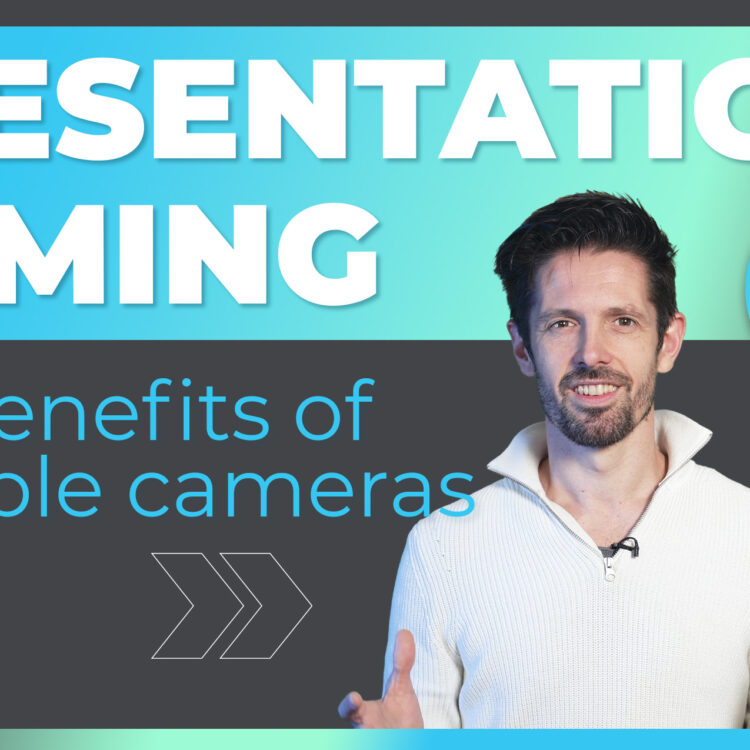
Presentation Filming – How many cameras do you need?

Video Transcript:

Hi. When creating presentation videos, you often have the opportunity to assign multiple cameras, so we thought we’d use some recent conference footage to show you the pros and cons of different camera setups.

Firstly, one camera.

Every conference video is going to need at least one camera and therefore camera one does most of the heavy lifting. It can be set up in different ways.

Option one is to simply stick it on a tripod, aim for a wide view and record everything.This works well when there are multiple people on stage and no presentation slides, but it isn’t particularly engaging to watch as everyone is so small in the frame and there’s no variety in the visuals.

Option two is our preferred approach for one cam shoots. We capture a close up of the speaker and then combine it with the presentation slides in post-production. You can then get three views for the price of one in that you can cut from a full screen close up of the presenter, to the slides full screen, to a picture in picture view of both. Offering your audience some variety and thus keeping their interest.

When you add camera two, you add more variety to your video and this dramatically increases watchability, with cam one capturing a reliable angle, cam two can roam free, allowing you to get some different views like a bit of audience reaction.

If you had a third, fourth, fifth camera, you’re amplifying the variety of views, upping engagement and delivering a premium feel, more along the lines of, say, a TED talk.

Obviously, adding cameras generally increases costs, so you pay for that extra variety, but this is offset by greater audience engagement and more successful productions.

Thanks for watching.

If you’d like to discuss how Dead Ready Productions could bring your video marketing projects to life, please get in touch via the button below or by calling +44 (0)208 339 6139.

">

5 Video Content Marketing Ideas For Software Brands To Use

In the latest of our Marketing Tips vlog series, Chris Tongue, Creative Director at Dead Ready Productions, explains 5 video content ideas that software brands should implement into their marketing strategy.

The content of which can be found below.

Hi! This time we’re going to look at 5 video content ideas that suit software brands.

Software platforms are becoming more and more powerful, but with that comes complexity.

Video offers the opportunity to highlight the benefits of your offering without having to send a sales rep to do a demo.

So here are 5 ideas for demystifying the power of your software through video.

1. Promo

The promotional video for your product is the banner advert for your product. This video should offer a teaser of the power of your products and excite your audience.

Don’t worry about granular detail here, just make sure that your product looks impressive; consider representing key facets of your product through metaphor and don’t be afraid to swing for the fences – this really is an advert for your product, so make it look great!

2. Case Study

As is so often true in video marketing, case studies present a really compelling reason for your potential clients to buy your product.

Firstly, identify your evangelists from your existing client base and incentivise them to be involved by offering them something of value as a thank you.

Send your production team to their place of business and shoot an interview with your customer, plus loads of content of the software in action, helping your customer achieve their business goals.

Potential customers relate to these videos and they can be a massive sales driver.

3. Demos

These videos are often animated demonstrations of how your software works when addressing a common issue your clients face.

These videos should be seen as mini-showreels for different corners of the software so make sure you keep the production values

4. Tips

This is where the granular detail comes in. Help your customers see how easy it is to work with your programme by demonstrating how to use the software to complete common tasks.

These easily can be shown through screen capture videos recorded by your sales team – just make sure that they are recorded clearly using a professional microphone, not the mic on the laptop.

5. Update Vlogs

Make sure that your customers are informed and excited by any new developments or features by creating a regular vlog.

Your customers will always be interested in new features so humanise your brand by going on camera and talking to them directly.

So, there you are, 5 video ideas for software content campaigns.

For more helpful information, top tips and useful guides on video production, keep an eye out for our next vlog – coming soon!

If you would like to discuss how Dead Ready Productions could help you to further enjoy the benefits of video for your business, please get in touch via the button below or by calling +44 (0)208 339 6139.

Subtitles – How To Add Them To Your Video To Help Boost Engagement

When adding subtitles to your video, there are two main options: using closed caption files or having subtitles ‘baked in’.

Mike Plenty, Managing Director at Dead Ready Productions, explains the subtitle options available in our latest 60 second production tips vlog. The content of which can be found below.

Closed Caption File

A closed caption file is a text file containing information about the timing and wording for each subtitle that appears in your video. This is then uploaded alongside your video and the viewer can then toggle the subtitles on or off as desired.

This works for most major video platforms, including YouTube, Vimeo and Facebook.

Once created, the closed caption text files can easily be modified by anyone with a text editing program. This also makes it easy to upload translated subtitle files, without having to use video editing software to modify the original video.

Baked In

The other option is to ‘bake in’ subtitles. This means the subtitles are integrated into the video and always on. This is helpful if you don’t want your viewers to be able to switch the subtitles off.

It also gives more scope to design exactly how the subtitles look, since you’re not restricted to the options provided by the closed caption approach. Your subtitles will also look the same regardless of which platform people are viewing on.

If you would like to find out more about the video, animation, photography and graphic design services Dead Ready Productions can offer your business, please feel free to get in touch via the button below or by calling +44 (0)208 339 6139.

Subtitles – Why Adding Them Will Maximise The Reach Of Your Video

Subtitles aren’t just useful for the hard of hearing. They’re a great way to maximise the reach of your video and enhance viewer experience across the board, and so should be considered for all of your video content.

Mike Plenty, Managing Director at Dead Ready Productions, explains the subtitle options available in our latest 60 second production tips vlog. The content of which can be found below.

What are the benefits?

Ensure Your Video Works Without Audio

Video is often watched by people with the audio switched off, particularly when viewing on mobile. In fact, 85% of Facebook videos are watched on mute.

Having subtitles ensures these viewers don’t miss out on your content.

Improve Understanding

Even when audio is enabled, comprehension is often improved when viewers are able to read along as well.

Enable Translation

The subtitles for your video can easily be translated to other languages, opening up your content to new markets.

Increase Reach

Studies have shown that subtitled videos tend to be shared more than those without, as well as having higher viewer engagement. This has the knock-on effect of improving your SEO rankings.

Increase searchability

Search engines can’t look through your video, but they can look through text. Posting the full subtitle text as a video transcript makes those keywords visible and increases the chance of your video being found.

For more helpful information, top tips and useful guides on video production, keep an eye out for our next 60 second production tips vlog – coming soon!

If you would like to find out more about the video, animation, photography and graphic design services Dead Ready Productions can offer your business, please feel free to get in touch via the button below or by calling +44 (0)208 339 6139.